FastWrite keeps it focused. A clean editor, capable AI, and export that actually works.
✍
WYSIWYG Markdown Editor
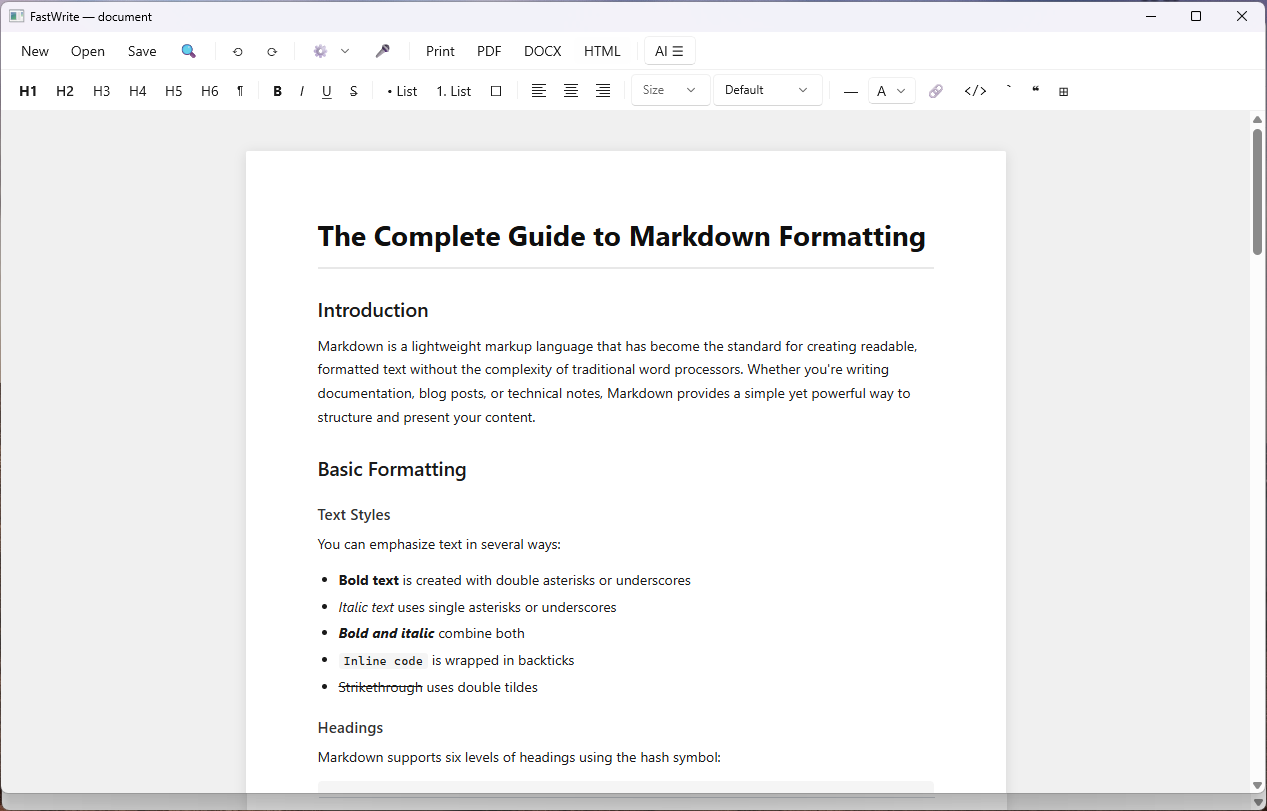
Write in a clean visual editor — no raw syntax visible unless you want it. Headings look like headings, bold looks bold, lists look like lists. Full formatting toolbar with H1–H6, bold, italic, underline, strikethrough, alignment, tables, and more.
Looks like a word processor. Saves as markdown.
🤖
AI Chat Panel
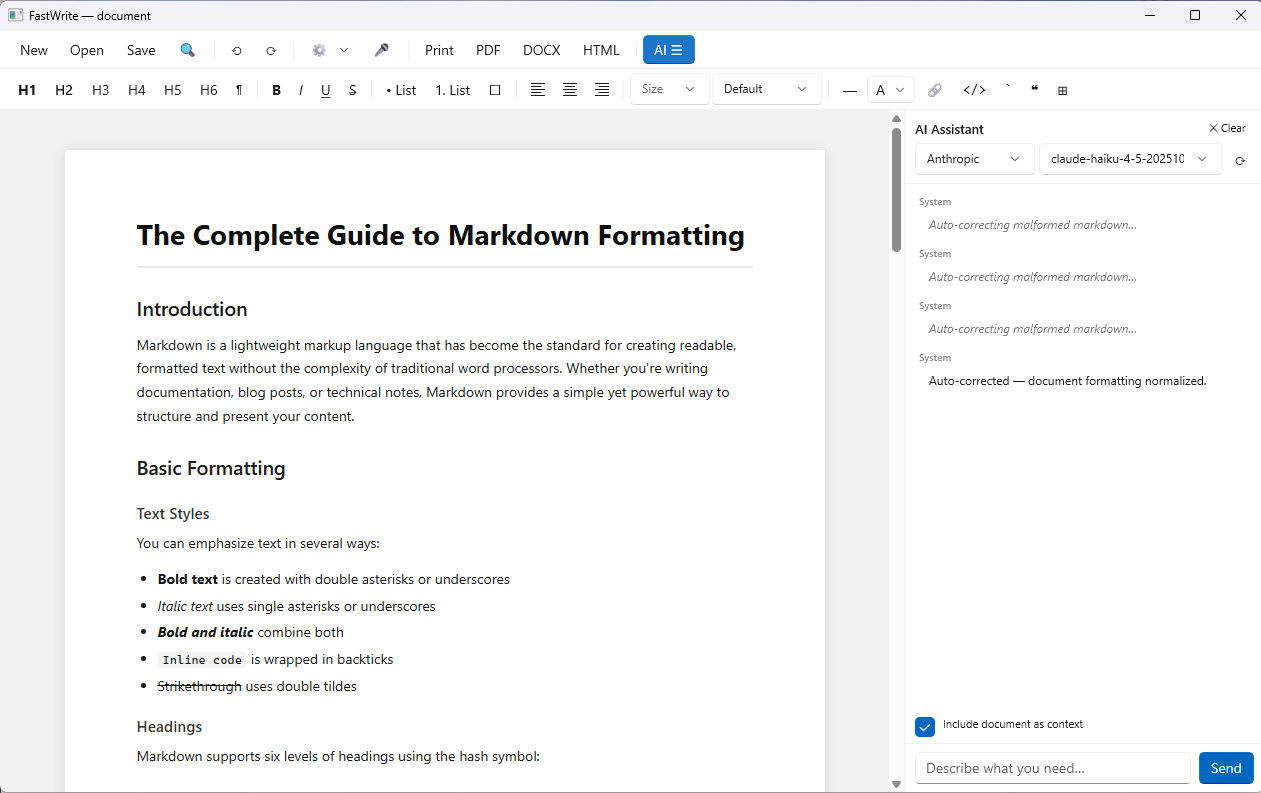
A persistent conversation panel alongside your document. Plan, brainstorm, or ask the AI to draft directly into the document using the write_to_document protocol. Full conversation history, Clear button to start fresh, and automatic context from your current document.
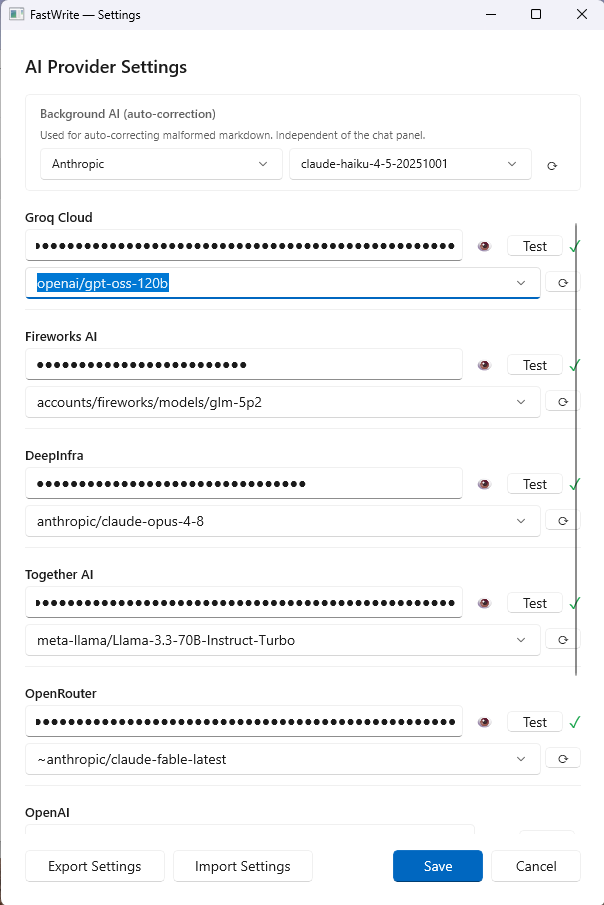
7 providers. Your model. Your keys.
🎯
Surgical AI Editing
Select a paragraph and tell the AI to rewrite it — the selection replaces automatically. Or use the find-and-replace AI protocol to target specific text without touching the rest of the document. AI edits are undoable.
Edit what you mean to edit. Nothing else.
📤
Three Export Formats
Export to PDF (print-quality), DOCX (opens in Microsoft Word), or HTML (web-ready). Print directly from the app. Each format preserves your full formatting including tables, code blocks, headings, and styled text.
PDF · Word · HTML · Print
🎨
Rich Formatting Controls
Font size, font family, text color, alignment, headings H1–H6, bold, italic, underline, strikethrough, bullet lists, numbered lists, task lists, blockquotes, horizontal rules, inline code, code blocks, hyperlinks, and tables.
Everything a document needs.
🔍
Find in Document
Ctrl+F or the Find button opens an inline search bar. Previous/Next navigation highlights every match in the document. Works with Grammarly and other browser-based writing assistants.
Search. Navigate. Edit precisely.
🎙
Voice Dictation
The microphone button focuses the document and activates Windows built-in dictation (Win+H). Speak your document into existence. Everything you say goes straight into the document at the cursor.
Windows speech recognition. No extra setup.
📁
Open Any Markdown File
Open .md, .markdown, or .txt files. Set FastWrite as your default for markdown files and double-click to open from Windows Explorer. Export Settings/Import Settings backs up and restores your API keys across reinstalls.
Your files. Your default app.